 WipeTok
How to Un-Repost on Instagram (and How It Differs from TikTok)
Jul 14, 2026 · WipeTok · Updated Sep 7, 2026
Sources & testing approach · WipeTok product details

Source: WipeTok product access and allowance facts — reviewed September 7, 2026 ↗
Source: Controlled extension checks — scope and limitations ↗
If you searched for how to un-repost on Instagram, the first thing worth knowing is that Instagram does not work like TikTok here. TikTok has one clear Repost button and one clear Remove repost action. Instagram spreads 'reposting' across a few different features, so undoing one depends on how you shared it in the first place.
The three things 'repost' means on Instagram
- A story reshare: you added someone's post or reel to your own story. It disappears on its own after 24 hours, or you can delete it sooner.
- A feed repost: you saved or screenshotted someone's content and posted it yourself, or used Instagram's newer add-to-feed reshare where available. You remove it by deleting your post.
- A third-party repost app: you used a separate 'Repost for Instagram' style app to republish someone's post. You undo it by deleting the post it created on your profile.
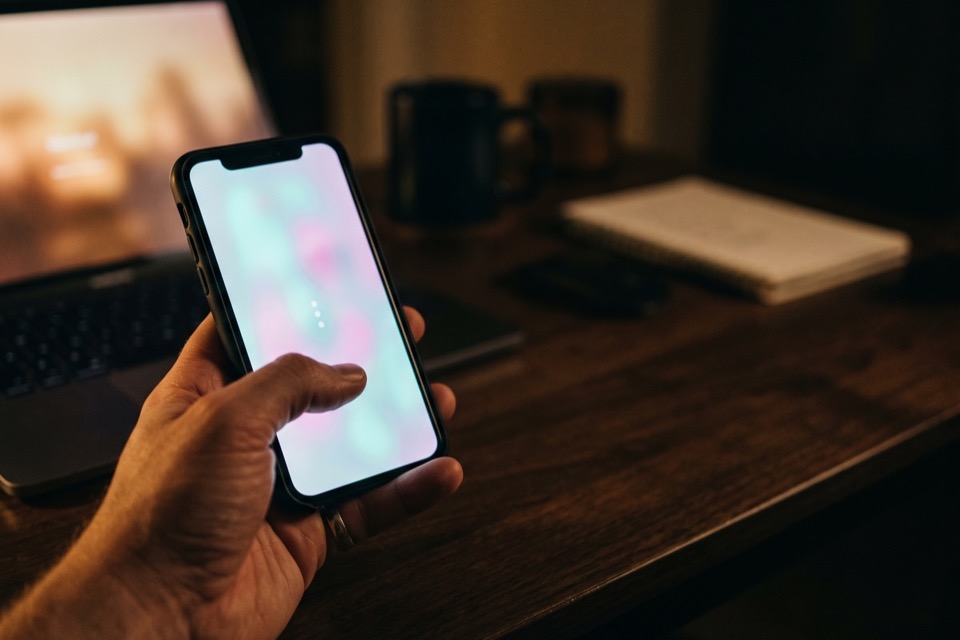
How to undo each one
Removing a story reshare: open your active story, tap the three-dot menu on the reshared frame, and choose Delete. If you would rather it just expire, leave it and it clears after 24 hours.
Removing a feed repost: go to your profile, open the post you reposted, tap the three-dot menu, and choose Delete. This only removes your copy; it never touches the original creator's post.
Removing a third-party app repost: the app does not keep control of the post after publishing, so you undo it the normal way, by deleting that post from your Instagram profile.
How this compares to TikTok
TikTok is simpler and messier at the same time. There is one Repost button, so reposting is a single tap, but they pile up fast in a public Reposts tab and can only be removed one at a time. Instagram has no equivalent public Reposts tab, so there is no single list to clean up, but also no one-tap repost.
If it is your TikTok Reposts tab that has gotten out of hand, that is the case WipeTok is built for: a Chrome extension and an iPhone/iPad app that scans your reposts and removes them in visible, paced batches, without ever asking for your password. It is TikTok-only and independent, not affiliated with TikTok or Instagram. Free to download. Repost removal uses Pro access or available bonus credits; paid upgrades are offered in the app. Free, with no purchase or daily quota enforced by the reviewed extension version.
Frequently asked questions
Does Instagram have a repost button like TikTok?
Not in the same way. TikTok has one dedicated Repost button; Instagram spreads resharing across story reshares, feed posts, and third-party apps. That is why undoing a repost on Instagram depends on how you shared it.
How do I remove a repost I made with a repost app?
Third-party repost apps publish a normal post to your profile and then let go of it. To undo it, open that post on your Instagram profile, tap the three-dot menu, and choose Delete. The original creator's post is unaffected.
Does un-reposting on Instagram notify the original creator?
Deleting your own reshare or repost does not notify the creator. You are removing your copy, not interacting with their original post.
Related reading


Clean up your TikTok reposts
WipeTok scans your repost trail and cleans it in visible, controlled batches — no password collection.
See how the Chrome extension works →